What is AI workflow automation?
A workflow is the chain of steps that turns a request into a result. Workflow automation runs that chain through software. AI workflow automation adds AI to the steps software could never take on before: reading, interpreting, deciding and writing.
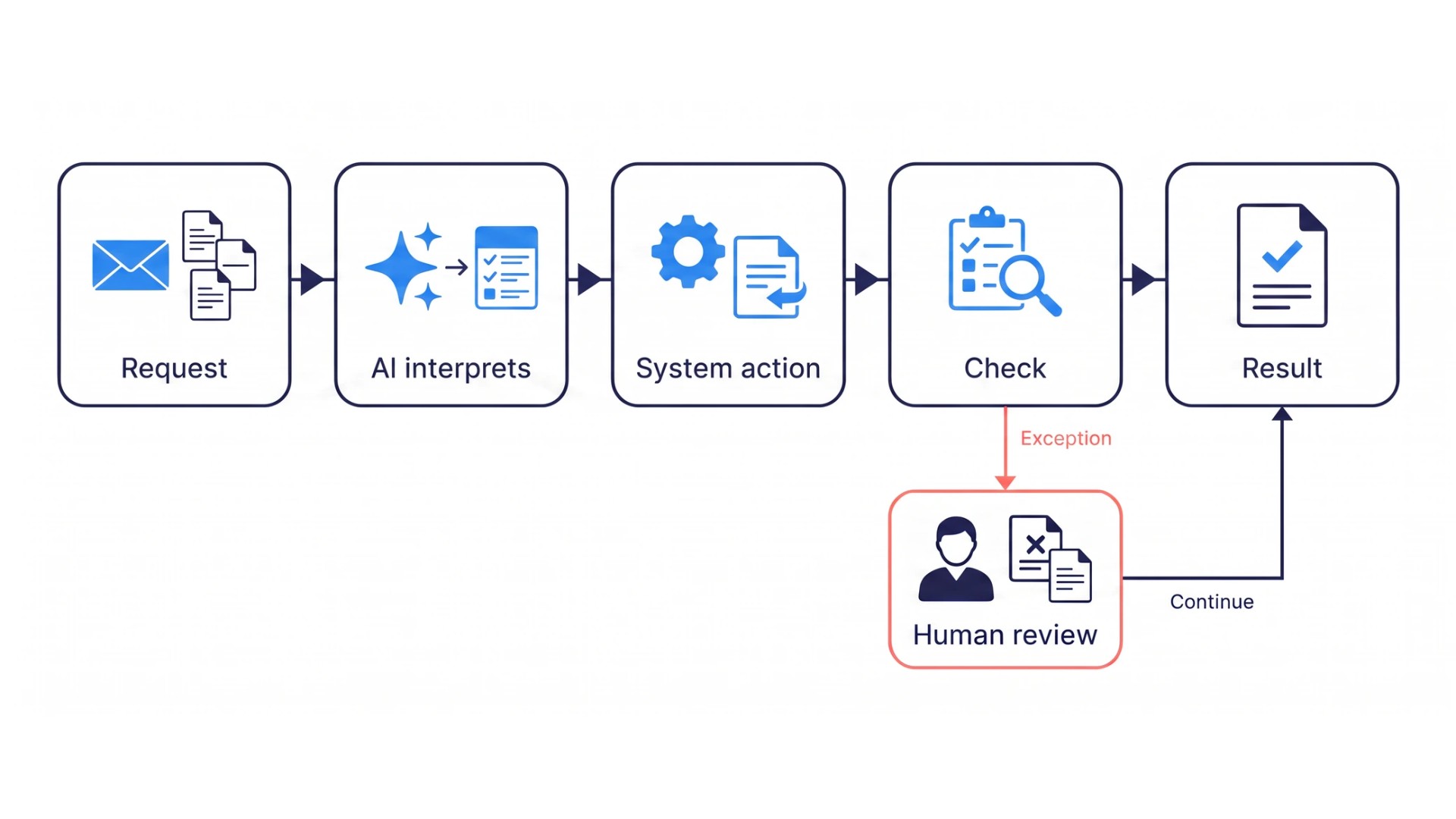
In practice it looks like this. A request comes in. Each step produces its artifact from the ones before it: a summary, a classification, a draft, an updated record. The result goes out, and the operational follow-up runs. AI handles the steps that need interpretation, and system interfaces handle the rest. Critical outputs are checked before they move on, and exceptions escalate to a person.
The split follows a simple test. A step that needs analysis, judgment or writing goes to AI. A step that can be completed from explicit rules and known data stays deterministic. Our guide on processes written for AI applies that test step by step.
The unit we automate is rarely a single task. Neighboring processes in one problem area share knowledge, connections and controls. We automate them together.
AI automation, intelligent automation and process automation: what is the difference?
The terms overlap, and the differences are worth a table:
| Term | What it means |
|---|---|
| Process automation | Running a repeatable process through software instead of people coordinating it step by step |
| Robotic process automation (RPA) | Software that replays fixed rules and clicks |
| AI automation | Running defined pieces of business work through AI, from skills and assistants to agents |
| Intelligent automation | Rule-based automation and AI combined in one process |
| AI workflow automation | One process chain in which some steps are performed by AI, with verification and escalation built in |
The difference that matters is what each can reach. Traditional software automated only the well-formalized parts of a process: steps with fixed rules and structured data. The parts where someone had to read, interpret, decide and act stayed with people. AI covers those parts for the first time. The whole cycle of a process can now run through software. That is why AI business process automation changes the cost of work by multiples rather than by percentages.
AI automation is therefore a different approach, and more than a new feature on an old system. Adding AI features to a partly automated process does not lead to a fully automated one. The process, its knowledge, its decisions and its controls are defined first, and the software executes that definition.
Why does AI automation fail when the process is not defined?
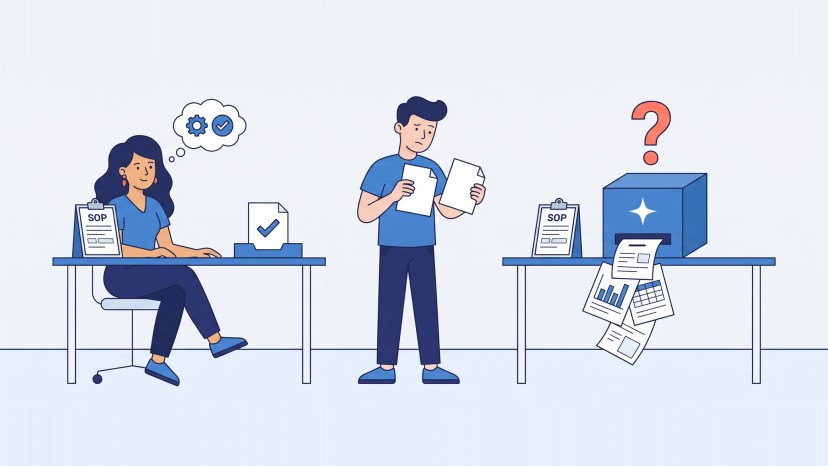
Most processes were designed for people. People cover for missing knowledge and undefined steps without noticing they do it. AI cannot. Without a documented process it has no clear instructions, and its output varies from run to run instead of repeating.
A demo handles the happy path. Real work brings missing information, changing rules, approvals, exceptions, system failures and outputs that must meet a real quality standard. A pilot that looked good in a controlled test then gives inconsistent results in production, and the cause is almost never the model. It is a process that was never defined and knowledge that was never written down.
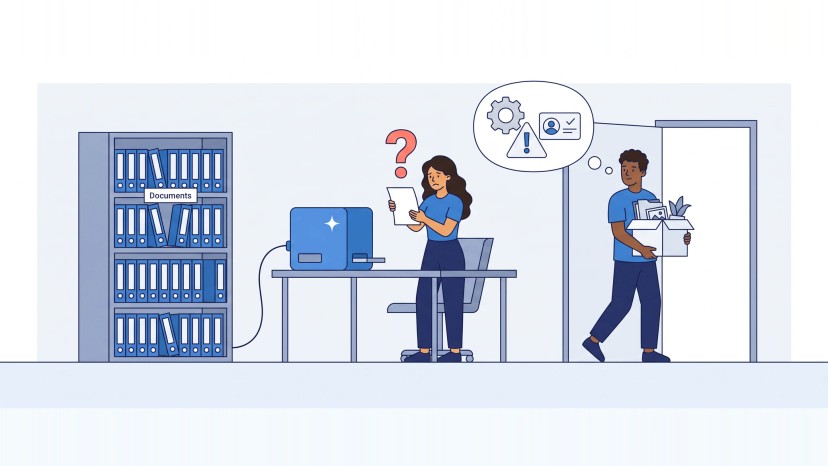
Automation built outside any shared structure fails a second way. Departments build their own chat assistants and upload a few documents each. Enthusiasts build their own automations off to the side. When the technology changes or the person leaves, the automation breaks, and the company has lost control of it.
A third failure is quieter. One business we interviewed automated lead generation for its customers. The meetings appeared, and the bottleneck moved to the next step: some customers went to the calls without knowing how to sell. Automating one step of a process moves the constraint. The workflow has to be seen whole.
How does AI workflow automation work?
An automated workflow, as we build it in AI Process Automation, has six working parts:
- Production agents and assistants prepare, analyze, decide, route, draft, update or complete defined tasks.
- Verification checks critical output against guidelines, checklists and samples of good and bad results before it moves on.
- Connections give secure access to the business applications, data and documents each task needs.
- Escalation and human authority set clear conditions for approval, intervention and final decisions.
- Management visibility shows status, audit trail, output quality, failure reasons, AI cost and performance.
- Governance and improvement set access boundaries, monitoring, review rules and a controlled path for expanding the automation.
Agents are only one part. Most of the reliability comes from the other five.
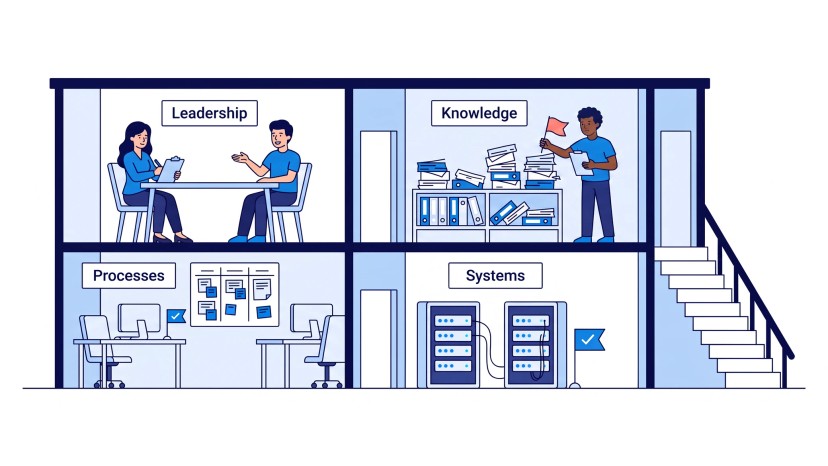
Underneath sit three foundations: a defined process, structured company knowledge and connectors to the systems where the work happens. We start from them. The process description and a model of the knowledge come first, then the architecture, then a roadmap that brings automation in step by step.
One modeling choice matters more than it looks. A classic flowchart forces AI down one fixed path, and a lot of effort goes into keeping it there. We model the goal of each step and its constraints instead, and let the workflow handle the variation inside them. On the systems side, the rule one retailer we interviewed set for itself is a good one to copy: every system and every model should expose an interface that a workflow can call.
RPA or AI: which should you use?
Both, in different places.
| Robotic process automation (RPA) | AI | |
|---|---|---|
| How it behaves | Deterministic: the same input gives the same output | Probabilistic and goal-driven |
| Right for | Stable, structured steps; driving a screen that has no API | Variable inputs, unstructured documents, decisions that need interpretation |
| Where it stops | Any case that does not match its script | Well-structured tasks, where an algorithm is cheaper and more predictable |
A working automation combines them. In one of our current projects a legacy system is driven through its web interface, while an API and an MCP server built on top let the AI read its data and act. Choosing one against the other leaves part of the process with people either way.
The seams between systems are where automation usually stops. An appliance repair business we interviewed calculates technicians' pay automatically, and then someone copies each amount into the banking app by hand. A workflow is automated end to end only when it crosses those seams.
Because the process definition belongs to you, either side can be replaced later without rebuilding the process.
Is an AI agent the same as an automated workflow?
No. An AI agent is a component: a system that pursues a goal, uses tools and continues until the result is reached or a person is needed. An automated workflow is the whole chain around it, with its connections, verification, escalation and visibility. A workflow can contain several agents, a few assistants and many deterministic steps.
The distinction matters when you buy. An agent dropped into an undefined process leaves people doing the work around the work: deciding when to use it, finding the sources, moving context between tools and checking what came out. The workflow is what removes that. What Is Agentic AI? covers the agent itself.
There is also a ceiling to a single workflow. Workflow automation makes one piece of work run through AI. When many automated workflows, agents and teams have to work toward one larger goal, the coordination becomes its own job. That job is orchestration, and it comes after the automation works.
Which workflow should you automate first?
One that is already clear, repeated and valuable, where a consistent result is produced today and the effort, money or errors concentrate. Rank candidates from the business side first: which work takes the most effort, where the most money goes, where the most mistakes happen. Then check four readiness questions:
- Is the process described?
- Is the knowledge it needs available?
- Can the systems it runs through be reached?
- Are the quality criteria known?
If the workflow is still unclear, AI Process Reengineering comes first. If the knowledge is fragmented, AI Knowledge Base comes first. Automating work that is not yet consistent produces an inconsistent automation, and the first automation sets the pattern for the ones after it.
Good first candidates are often unglamorous. In one engineering organization we interviewed, status reports and a weekly operational review were assembled by hand, a couple of hours every week. An appliance repair business runs a nightly batch that asks every customer of the day for a review, except those a person has marked unhappy. That small human flag is the control.
Look for where the process really starts, too. The same repair business first described its process from the moment a call came in. The owner moved the start earlier, to the work that makes the phone ring.
And be honest about limits. Automation lifts operations work off a small manufacturer's founders. It does not sew, and finding skilled people stays their real limit on growth.
What happens when the workflow meets an exception?
Exceptions are where automation usually collapses back into manual coordination. We design them first. Predictable failures are corrected or retried automatically, with the review report attached. What remains goes to the person responsible, with the context to decide: what came in, what was done, which check failed and what decision is needed. The workflow continues once the person decides, and every outcome is logged.
Escalation has to stay the exception. Every approval request takes someone's attention, and a workflow that asks too often has only moved the bottleneck. The best approvals are prepared ones. One retailer is building a credit flow in which the system assembles the application and a recommended limit with its reasons, and the executive only makes the final call.
Where people stay depends on the stage of the workflow. In our four autonomy stages, people first execute with AI support (Assisted), then delegate parts to skills and assistants (Collaborative), then supervise the results of agents that run the workflow and escalate what they cannot resolve (Supervised). At the Autonomous stage verification agents check the work of production agents, and people monitor performance, set the policies and handle the exceptions. Each stage is extended only after the one before gives consistent results. Human on the Loop covers how control points are designed.
Do you need a workflow automation platform?
Sometimes, and the process decides, not the platform. Workflow automation tools such as workflow engines, agent runtimes, RPA and low-code platforms are useful for triggers, scheduling and mechanical steps. We use whichever fits your environment, on the AI platform you choose, and your existing business applications are connected rather than replaced. Low-code tools and simple scripts cover most of it. A step that needs a complex software component is a software development job of its own.
What workflow automation software cannot supply is the definition: the process, the knowledge, the decision rules and the quality criteria. In our experience defining them is the long part of automation. Once they exist, building on a platform is largely mechanical.
Keep the two apart. Workflow automation platforms and AI automation software change their capabilities and their terms quickly, and so do models. One retailer we interviewed treats the model as a swappable part, chosen per workflow, with sensitive data kept on local models. With the definitions in hand, changing the platform is an implementation step instead of a new project.
How do you measure the result of AI workflow automation?
Against four results: cost, speed, quality and capacity. Without a baseline the gain is invisible. Productivity is supposed to rise as automation grows, but nobody can show it in the numbers unless it was measured before.
Before automation we take the baseline: how long tasks take by type and complexity, what each case costs in effort, how often results need rework and how much work the team can carry. After it, the workflow's own management view shows throughput, output quality against the criteria, failure reasons and AI cost. The same measures are then read continuously instead of estimated, and they decide when a workflow is ready for the next stage of autonomy.
Where a process moves from partial to full automation, we expect gains by multiples rather than by percentages. Some value does not show up as hours, though. The owner of the repair business named the best result as a pay report so clear that technicians stopped disputing their pay.
How EIC automates a workflow end to end
AI Process Automation automates a workflow end to end in a controlled way, and it includes three things. The first is the automation itself: the assistants and agents, the connections to your systems and knowledge, the verification of critical outputs, the approval and escalation rules, and the visibility of status, quality, failures and AI cost. The second is training your team, because people have to use the automation, supervise it and know where their judgment remains. The third is ongoing support and improvement, because processes, systems and AI platforms keep changing.
If you are comparing AI automation services or process automation consulting, ask what happens on the day a case does not fit. AI workflow automation solutions that work in production answer with a correction loop, an escalation path and a log. If the workflow is not yet clear, start with AI Process Reengineering, and the automation follows.
The first step is a free call on one workflow you want to automate. Book it below.
Short answers on AI automation, RPA, platforms, exceptions and measurement are in the FAQ on the AI Process Automation page.