
What is a custom GPT?
A custom GPT is a version of ChatGPT configured for a specific purpose. OpenAI’s help center lists what it can include: instructions that set its behavior, tone, goals and boundaries; conversation starters; knowledge, meaning uploaded files it uses as reference; selected capabilities such as web search; and apps or actions that connect it to outside services. A GPT can use apps or actions, but not both at once.
It lives inside ChatGPT. OpenAI states that GPTs are designed to work there, and that the API is the route for building an assistant into a website or product. Its builder cannot read other people’s conversations with it. It does not use saved memory. Each conversation starts fresh.
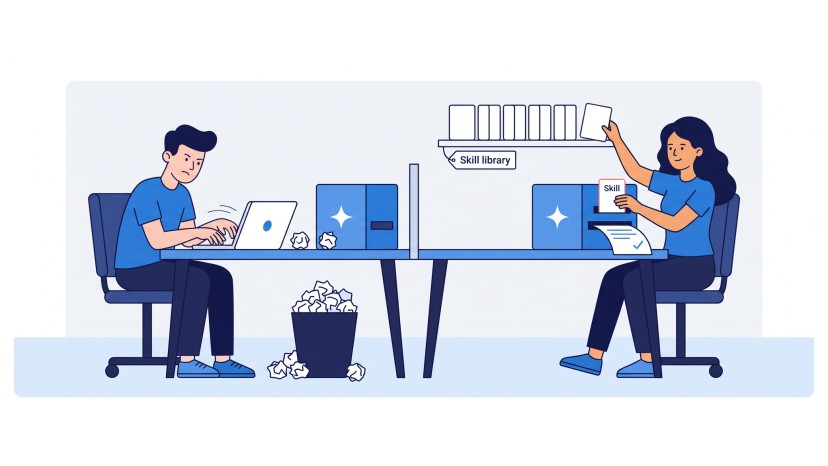
For business work a custom GPT suits one job: a recurring task whose instructions and reference files can be written down. That is the idea behind an AI skill, covered in the Claude Skills guide. This guide covers what makes an assistant a product that people use.
Are custom GPTs going away?
Yes, on OpenAI’s own timetable. As of November 27, 2026, OpenAI’s help center says it plans to retire custom GPTs and help creators migrate them to plugins. Standard retirement is scheduled for December 11, 2026, with February 28, 2027 for FedRAMP workspaces and Enterprise workspaces with an approved deferral. New GPT creation ended on October 26, 2026 for affected Enterprise workspaces Dates depend on the workspace; check your own notice.
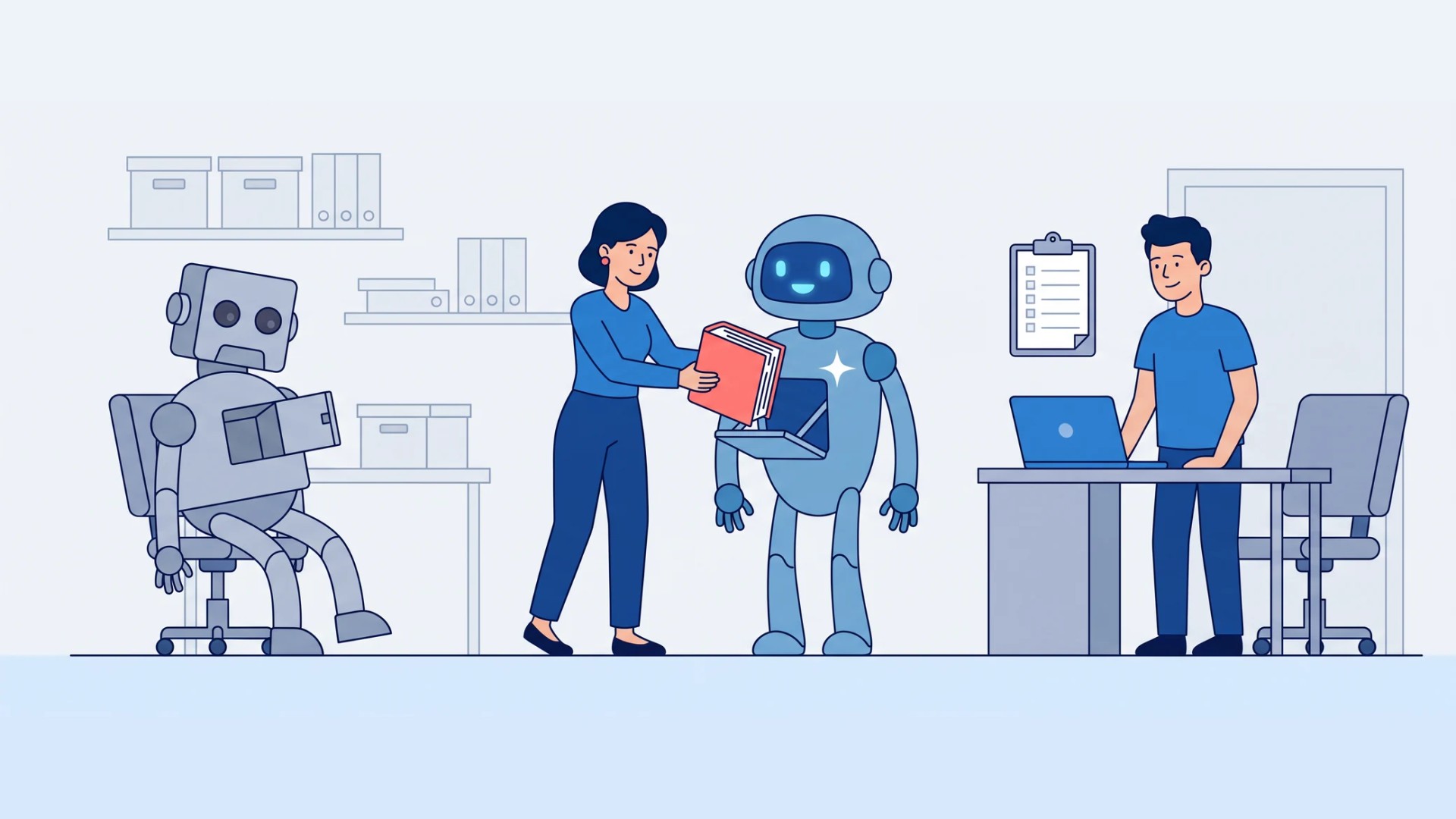
A plugin brings skills, which carry instructions and workflow guidance, together with connected apps. In migration the GPT’s instructions become a skill, its knowledge files become reference files and its connected apps are added as apps. Custom actions do not transfer, the selected model does not carry over and the plugin starts private. OpenAI warns that a migrated plugin may respond differently and advises testing it on familiar prompts and at least one harder case.
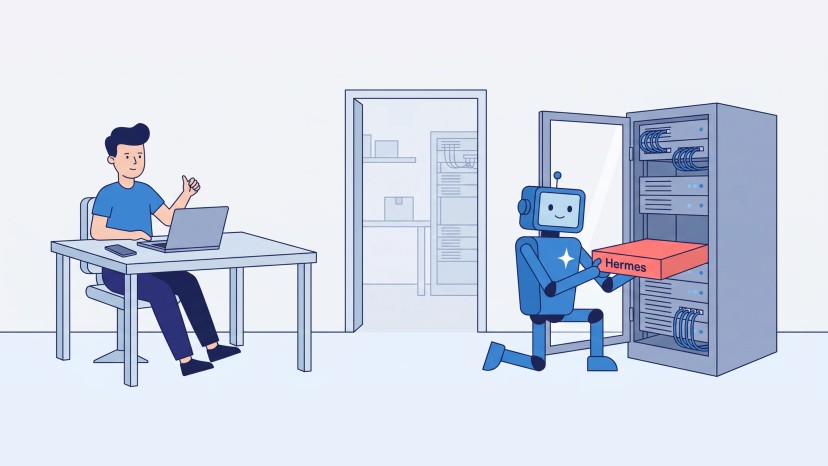
The lesson for a business is practical. The instructions, the examples and the boundaries moved to a new container. A team that wrote them in a brief outside any platform copies them across. A team that kept them only in the GPT editor must recover them first. This is why we keep each skill as a platform-independent brief and render it for the platform in use.
If your team relies on custom GPTs, list them with their owners, mark the ones that use actions and plan the test.
What is a Copilot agent, and what is Copilot Studio?
“Copilot agent” covers more than one thing. Microsoft’s documentation names two ways to build agents for Microsoft 365 Copilot. A declarative agent adds your instructions, knowledge and actions to Copilot and runs on Copilot’s own orchestrator and models. A custom engine agent brings its own orchestration and models and may need its own hosting.
Agent Builder is the low-code tool for declarative agents. You describe the agent in plain language or fill in a form with a name, a description, instructions and knowledge sources such as SharePoint content, uploaded files and Copilot connectors. It does not author actions that connect to external services. For those, Microsoft says to copy the agent into Copilot Studio.
Microsoft Copilot Studio is a graphical, low-code studio for building and managing AI-powered agents and workflows. You connect them to your organization’s data and systems and publish them to the channels where people already work, such as Teams or a website. It also covers analytics, evaluations with test sets and administration. This guide does not teach it.
How do custom GPTs and Copilot agents compare with Claude projects and skills?
The table describes where each container lives. It ranks nothing.
| Container | Where it lives | What it holds and reaches | Sharing and control |
|---|---|---|---|
| Custom GPT | Inside ChatGPT only | Instructions, knowledge files, capabilities, and apps or actions | Shared with people, a workspace or by link where the plan allows; Enterprise and Edu admins set access and sharing |
| Copilot agent from Agent Builder | Inside Microsoft 365 Copilot | Instructions and knowledge from SharePoint, uploaded files and Copilot connectors; no actions to outside services | Private until shared; owners edit and chat users only chat; admins govern org-wide sharing and catalog publishing |
| Copilot Studio agent | Published to channels such as Teams and websites | Instructions, knowledge sources, tools, workflows and connectors | Managed across the organization, with role-based access and cost management |
| Claude project | Inside Claude | Project instructions and a knowledge base of uploaded files; retrieval extends capacity on paid plans | Team and Enterprise plans: private or shared with view or edit rights; owners can turn sharing off |
Claude Skills sit beside projects. A skill is a folder of instructions, reference files and scripts that Claude loads when a task matches its description, as the skills guide explains. Gemini Gems do the same job in Google’s ecosystem.
What repeats is the content. What differs is where the assistant lives, who can reach it and who governs it.
Which platform should you choose?
Use the platform your team already works in, as long as it meets your data and security requirements. That means Microsoft Copilot where the company runs on Microsoft 365, and ChatGPT or Claude where people already use them for knowledge work. This guide ranks none of the platforms, because nobody can predict which vendor will lead next year and platform costs and limits change quickly.
Three questions narrow the choice. Where does the assistant’s knowledge already live, and can the platform reach it with the permissions people already have? Who will use the assistant, and can you share it with exactly those people? What happens to the work if the vendor changes the product, as the retirement notice shows?
Then write the brief once. When the platform changes, the brief is rendered for the new one instead of being rebuilt. AI Execution Assistance supports all of these platforms and builds in the same order: the brief first, then the platform.
What is a producing assistant?
A producing assistant is an AI assistant configured around a larger recurring work product: a document, an analysis, a plan, a report or a formal communication. It carries the business and process context, asks for the inputs it needs and produces the work product in the expected structure. A skill covers one task, and a producing assistant covers a whole work package.
It is named after what it produces: Interview Plan, Meeting Minutes, Post Brief. A name such as “the HR bot” names a role or a tool, changes when the tool changes and tells nobody which assistant to pick.
What goes inside follows the order of document work: standards and templates, the structure of each document type, the template, then the writing instructions for it. With the process, the work instructions and the examples in place, the gaps a person would otherwise close by hand are closed in advance. A structure check belongs in the tests, because AI tends to let the format drift away from the template.
In our current design, one assistant produces the work, a second reviews it against the rules and a named person approves it. The assistant’s review never stands in for that approval.
Why do business assistants stop being used?
Assistants stop being used for reasons that repeat, and most sit in the work behind them.
- The result depends on the person. Tools handed out without a workflow give results that are good one day and poor the next, because each person prompts in their own way.
- It was written at a desk. Instructions made up from imagination miss the cases people meet, and a long list of requirements loses items silently. Explicit patterns and examples of good output hold up better.
- Near-duplicates collide. Two people build the same assistant under different names, and nobody knows which to trust. In our current catalog design a gate in front of the library is meant to prevent this.
- It pretends. Outside its scope, a weak assistant improvises. A good one says what it cannot do.
- Nobody owns it. A business owner answers for the result, a technical owner maintains the package and a knowledge owner keeps the references current.
- It adds work around the work. With many assistants, people spend time choosing between them and carrying context from one to the next. In one current internal design we keep specialist roles as skills inside a single agent for this reason.
- The platform moves. Anything kept only inside a container that is scheduled to retire is at risk.
People take the easiest path. An assistant that already holds the context for the work is easier than a blank prompt, and that keeps it in use.
How to build an assistant people keep using
The build follows six steps, and only one of them happens inside the platform.
- Choose recurring work with a definable output. Documents, analyses, plans and reports fit. Live, relational, physical and accountable work stays with people.
- Collect evidence of the work done well. Take the best examples and one run of the work by a person with AI support.
- Write the brief outside the platform. State the inputs, instructions, knowledge, outputs, boundaries and the decisions that stay with a person, and name the brief after what it produces. The Claude Skills guide walks through the five-step brief, which is not repeated here.
- Render it on the platform. Keep the instructions short and put method, examples and templates in the knowledge files. Knowledge that changes daily is retrieved, and knowledge that rarely changes can ship as files; the RAG guide explains the difference.
- Test it on real work. Run the process several times, clean up where the result varies and package it only when the result is consistent. Score each result on a five-point scale by how much editing it needs. An assistant belongs to the Collaborative stage, where a person reviews each result and the quality bar is 70-80%. Run the same set again whenever the instructions, the model or the platform change.
- Hand it over. Give the team usage guidance, examples of good output and a named owner. Training is role-specific: which assistant for which work, what to give it and where a person’s review remains.
When is an assistant not enough, and when do you need an agent?
An assistant is enough while a person runs the workflow: the person starts the work, provides the inputs, reviews the result and decides what happens next. An agent is right when AI should own a defined piece of execution end to end and involve a person only to escalate or approve.
The name on the product does not settle which one you have. Microsoft’s documentation says a declarative Copilot agent relies on user-initiated interactions, while a custom engine agent can trigger actions without direct user input. By our definitions the first works as an assistant and the second can work as an agent. The test is who starts the work and who owns the result.
In the four autonomy stages, assistants belong to the Collaborative stage, with a minimum quality bar of 70-80%. An agent that does the defined work end to end and passes exceptions to a person belongs to the Supervised stage, with a bar of 85-95%.
The order matters. An agent built on work that was never done consistently with an assistant inherits every undefined step as a failure. Work reaches the Collaborative stage first, and the main flow and the edge cases are proven there. Turning the proven assistant into an agent is then a short step. See What Are AI Agents? and AI Agentic Execution.
What should you check on security and data before sharing an assistant?
Sharing an assistant and sharing its data are separate decisions on every platform in the table.
Microsoft states that sharing an agent built in Agent Builder does not by itself give users access to its SharePoint sources, because file permissions and sensitivity labels still apply. Files uploaded from a device become embedded knowledge, and anyone who can use the agent can receive answers grounded in them. Review uploads before you share.
OpenAI states that when a GPT uses apps or external APIs, relevant parts of a user’s input may be sent to the third-party service, and that OpenAI does not control how those services store the data. For Business, Enterprise and Edu plans, data is not used for training by default. In Claude, a project on a Team or Enterprise plan can be private or shared, and chats inside it stay private unless someone shares them.
Reading and acting carry different risks. An assistant that only reads reference files needs one kind of control. One that can update a record or send a message needs another, including a named person’s approval before the action runs. Decide this in the brief, before the platform.
How EIC builds reusable AI execution
AI Execution Assistance turns recurring AI-assisted work into reusable capabilities. We identify the repeated work, capture the execution pattern, build the skill or producing assistant and validate it on representative real work. We then hand it over with usage guidance and examples.
We keep each skill as a documented brief and render it for the platform your team already uses. When a vendor changes its product, the brief is rendered again. The impact we aim for is capacity without proportional headcount: teams can handle more recurring work without their effort growing at the same rate.
Training comes with each capability. It is role-specific guidance on which capability to use for which work, what input to give, what output to expect and where your own review remains. It is not a prompt engineering course.
If the workflow behind the work is unclear, start with AI Process Reengineering. Otherwise one recurring work product is enough to start. Short answers to common questions are in the FAQ on the AI Execution Assistance page.