What an AI skill is
An AI skill is a packaged, reusable set of instructions for one type of recurring work. It states the inputs the work needs, the steps to follow, the company knowledge to use, the output it must produce and the boundaries of its responsibility. Instead of writing a prompt and assembling context each time, a person invokes the skill, supplies the inputs it asks for, and the skill follows the proven instructions itself.
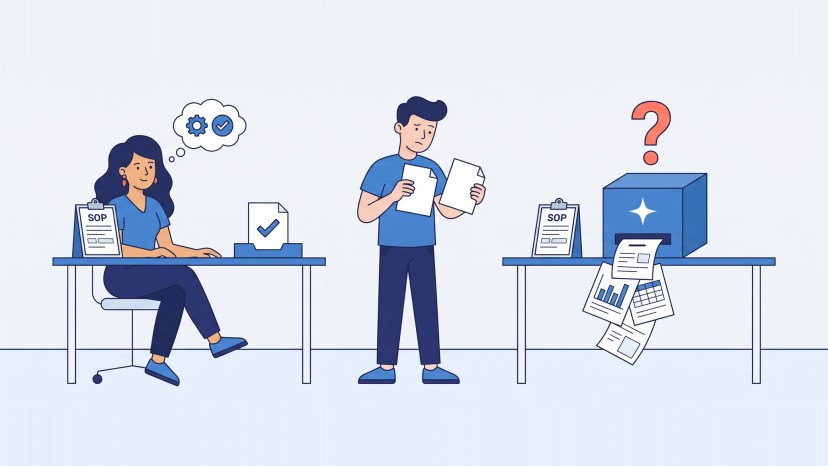
Two things separate a skill from a saved prompt. First, a skill is extracted from evidence: material that records the task actually being done well. A chat in which someone solved the problem counts. A blank page does not. Second, a skill is named after what it produces: Interview Plan, Meeting Minutes, Post Brief. Names like "the HR bot" or "the ChatGPT prompt" describe a role or a tool, change when the tool changes and tell nobody which skill to pick.
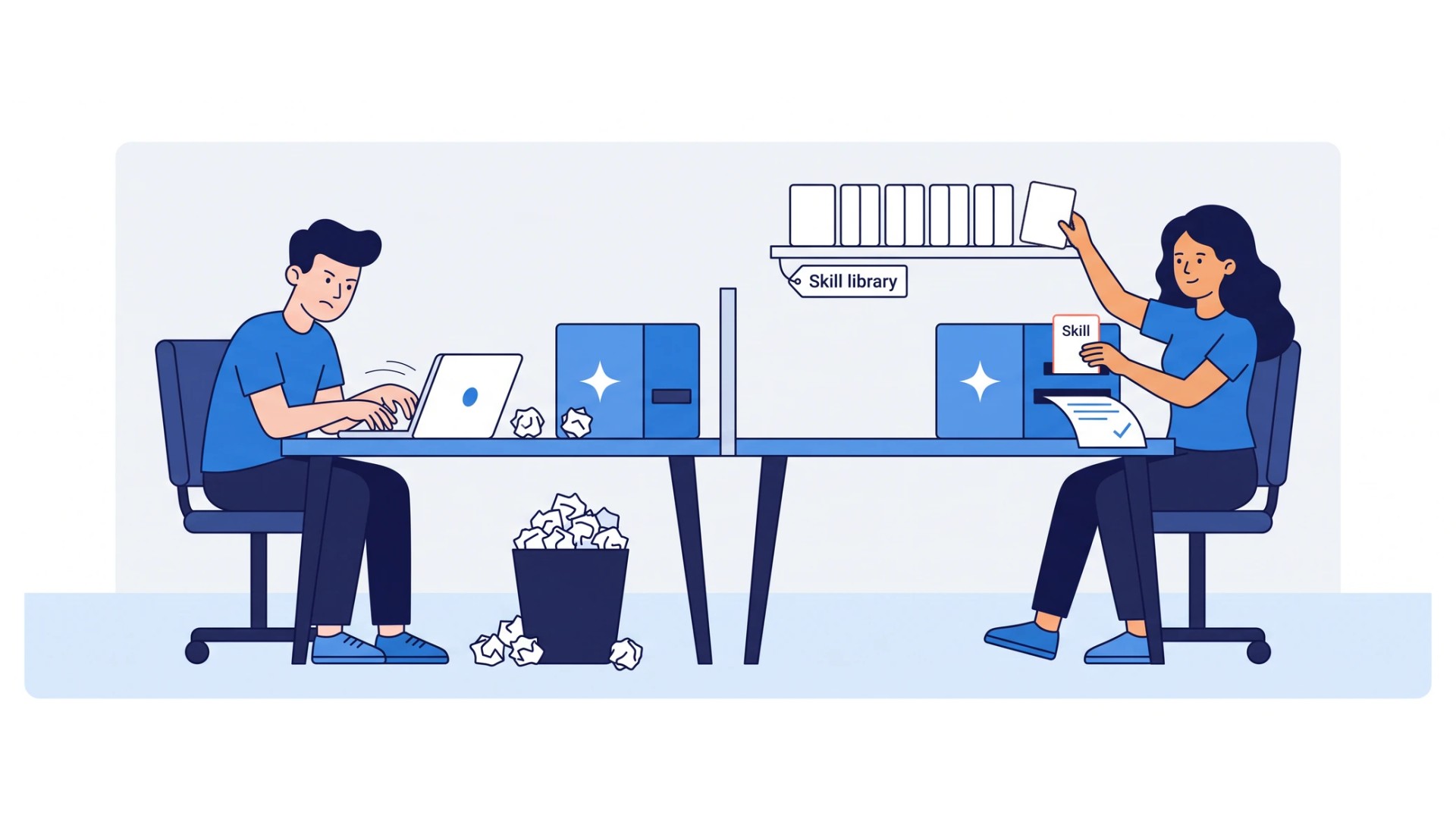
Skills matter because ad hoc prompting keeps the know-how with individuals and makes the result depend on who is prompting. A skill captures the execution once and makes it available to the whole team. We treat skills as a cross-platform asset of the company, kept as documented briefs, and we do not let working prompts live only in someone’s chat history.
How Claude Skills work
Claude Skills are Anthropic’s format for AI skills. A skill is a folder with a file named SKILL.md at its root. The file opens with two required fields, a name and a description, followed by the instructions. The folder can hold more: additional instruction files, reference material such as templates or schemas, and scripts that Claude runs.
Claude loads a skill in stages. At startup it sees only the name and description of every installed skill, which is why many skills can be installed without crowding the context. When a request matches a description, Claude reads the SKILL.md body. Files referenced from it are read only when needed, and scripts are executed, which means only their output enters the context. The description therefore carries the weight: it has to say what the skill does and when to use it, because that sentence is what Claude matches your request against.
Where a skill lives decides who can use it. In Claude Code a skill is a folder in the project or in the user’s home directory, and it can be shared through plugins. In claude.ai a custom skill is uploaded by each user and is not shared across the organization. Through the API a skill is uploaded once and shared workspace-wide. A skill uploaded to one surface does not appear on the others.
Custom GPTs do the same job in ChatGPT with instructions, files and actions. Copilot agents, built in Copilot Studio, do it for Microsoft 365 data and workflows. Gemini Gems do it in Google’s ecosystem. All four are containers for one thing: a captured way of doing a piece of work. What goes into the container decides the result.
Why skill libraries stop working after the first month
A prompt library is the usual first attempt: a shared page of prompts that worked for someone. It stops working for four reasons that we meet in our own catalog and in clients’ libraries.
- Near-duplicates collide. Two people save a prompt for the same work under different names. The AI picks by description, and two overlapping descriptions produce different results on different days. The same happens when a new version of a skill absorbs an old one and both stay active.
- One-off detail travels with the prompt. A prompt written during one project carries that project’s names, paths and exceptions, and the next user inherits them. A skill holds only the reusable guidance extracted from the raw material.
- The prompt pretends. Asked for something outside its scope, a prompt improvises. A skill declares what it cannot do and reports it, and that declaration is a full chapter of its specification.
- The result depends on the person. A generic chat flatters the person steering it and follows their lead. A skill follows its pattern, and an explicit pattern is what makes AI output repeatable.
The rest of this guide is the fix.
Which work to turn into a skill
Start from a process, not from a list of tools. For each step of the process we ask three questions, in this order.
- Does a skill for this already exist? In a growing library the answer is often yes, and the right action is to reuse it.
- Is the step AI-executable? Live, relational, physical and accountable work stays with people: the interview itself, the negotiation, the site visit, the approval. AI works around the human event. Before it: prepare the plan, write the invitation. After it: process the recording, write the minutes or the findings, distribute, analyze. The skills go there.
- What artifact does the step produce? Outputs become artifact skills: Interview Plan, Interview Findings, Meeting Minutes. Steps that many processes share become basic skills: Transcript Processing serves meetings, interviews, workshops and discovery sessions alike.
Two rules keep the list sane. Build small skills first, and an end-to-end skill only when AI really performs the whole job; a "super skill" wrapped around every step of a process is the surest way to get nothing that works. And split or merge by four properties: same inputs, same outputs, same quality bar and same position in the lifecycle means one skill. Different on any of the four means two.
Templates, work instructions, guides and process maps are not skills. They are the references a skill consults, and they live beside it.
Step 1. Write the skill brief
Before a skill exists, we write its brief. The brief is a platform-neutral specification of the skill, readable by the person who will use it, the person who will build it, the person who will review it and the person who will maintain it. It is the design authority: the Claude, ChatGPT or Copilot version is produced from it, never the other way round.
Every brief has the same thirteen chapters, and every list in it is bounded. The brief stays reviewable, and the skill does not become a pile of rules.
| Chapter | What it must say |
|---|---|
| Introduction | What the brief is for and when it is used |
| Identification | Name, domain, category, version, owner, status, platforms, default workflow, package format |
| Overview | The skill in one paragraph, then what it does as a short list |
| Package structure | The files the package will contain and the job of each |
| When to use | The situations that trigger the skill |
| When not to use | The situations it must refuse, with the neighbor to use instead |
| Inputs | Each input, its format and where it comes from |
| Workflows | The primary workflow step by step, and the secondary one |
| Operating rules | The rules the skill follows while it works |
| Outputs | Each artifact the skill produces |
| Quality requirements | What a correct result must satisfy, testable |
| Examples | Worked cases, including a verification-first one |
| Escalation rules | The conditions under which the skill stops and asks |
Three chapters do most of the work. "When not to use" is where the skill learns to refuse, with the name of the neighboring skill that should take the case. "Quality requirements" must be testable: a requirement a reviewer cannot check is not a requirement. "Escalation rules" are tied to actions that are irreversible or ambiguous: when it is unclear whether to update a document, copy a template or create a new one, the skill stops and asks.
A brief contains only what the evidence supports; questions are asked about gaps that matter, and nothing is filled in from imagination. And the brief has an owner, a status and a version before the skill is built, because a skill without an owner decays exactly like unowned knowledge.
Step 2. Build the skill package from the brief
The package is a folder: the SKILL.md at the root, and beside it the references, prompts and scripts the brief named. SKILL.md is written at implementation time from the brief. The brief lists it and does not duplicate it, which is how the two stay in step.
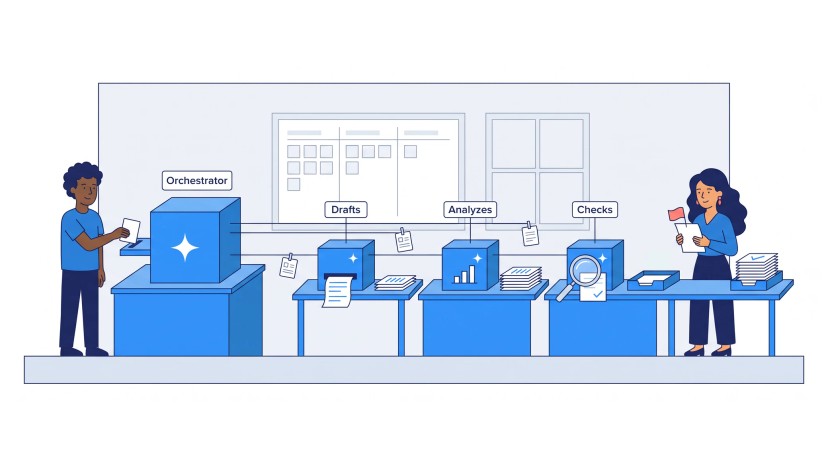
The most useful rule in the build is to move the fragile part of the work into a script. Take one of our own skills, the one that writes a Google Doc from Markdown. The model is good at deciding what the document should say and poor at producing a correct sequence of document-API requests that preserves the title, the subtitle and the table of contents. The package therefore ships a small script that builds that request payload from the current document and the Markdown source. The model reads the document, runs the script, applies the result and re-reads the document to verify it. The model orchestrates; the script converts. The result is the same every time because the part that had to be exact is no longer improvised.
The second rule is read, change, re-read. The skill retrieves the current state before it writes, writes, and then checks the result against evidence it can count: headings, links, bullets, tables, preserved blocks. Completion is the evidence, not the model saying it is done. What the skill cannot convert, such as a nested list or an image, it reports instead of faking.
Three smaller rules keep packages honest. A prompt inside a skill is a fill-in template with bracketed variables that names its inputs, its outputs and what it validates. A reference is distilled guidance, and when the controlling document lives elsewhere, the reference points to it rather than copying it. And a package contains only files that improve reliability.
Step 3. Render one brief for Claude, ChatGPT and Copilot
The platform-specific part of a skill is thin: a metadata file that tells Claude, ChatGPT, Copilot or a coding agent how to find and load the package. Everything else, the instructions, the references and the scripts, is platform-neutral. That is why one brief can serve several platforms.
In our skills base the canonical briefs live in one folder per domain and the generated packages in another, one folder per platform. A build command renders a brief into a package for the platform you name: a Claude skill folder, a ChatGPT or Codex package, a Gemini one, and the formats of several coding agents. The renderer bundles a reference only when the brief mentions it by name, and one shared folder of references therefore serves many skills without cross-contamination. When a skill changes, the brief changes first and the packages are regenerated. A hand edit to a package is lost at the next render and invisible to the other platforms.
For the buyer this settles the platform question. Use the one your team already works in, provided it meets your data and security requirements; when the choice changes, the brief is rendered for the new platform instead of being rebuilt. Moving a set of working skills from one platform to another has proved to be a mechanical step for us, not a rewrite.
Step 4. Test the skill before people depend on it
A skill is tested on real work, not on the examples that were used to write it. We run the process behind the skill several times with a person and AI together, clean up wherever the result varies, and package it only once the output is consistent and of acceptable quality. The instructions carry explicit patterns and good examples rather than principles alone, because AI follows a good example better than an abstract rule, and they say why each step exists, which keeps the behavior stable across cases.
Four kinds of test follow, and we run all four on our own skills base.
- The brief loads. Every canonical brief is read and checked: its identification is complete, its domain is known, and every platform it lists is one we can render for.
- The render is complete. Each brief is rendered for every platform, and each package is checked for a SKILL.md with the platform marker and the skill name, and for the references and scripts the brief mentions and none it does not.
- The skill triggers correctly. In the activation test we are building, a skill faces at least fifteen sample requests: requests it must answer, requests it must stay quiet on, and requests that belong to a neighboring skill, which it must lose to. A skill that answers too often is as broken as one that never fires.
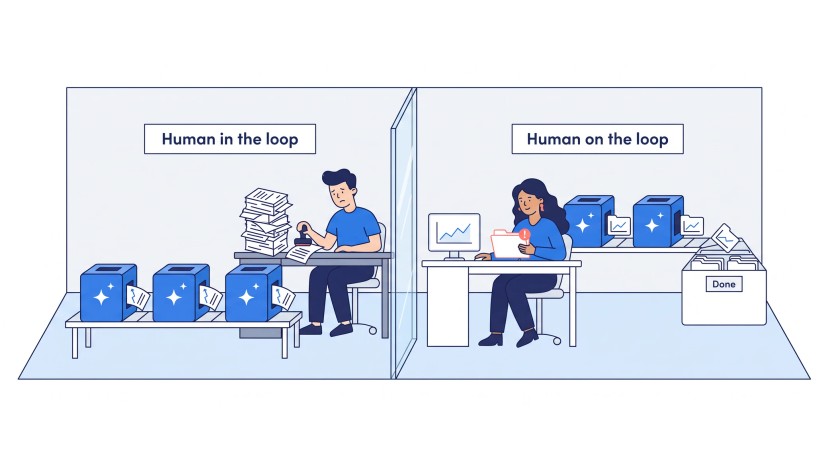
- The result passes the bar. Outputs are scored on a five-point scale tied to how much editing they need, and the share that passes is the quality score. A skill whose output a person reviews can pass at a lower score than one whose output feeds the next step unseen, as the quality bar for each level of autonomy sets out.
When a prompt or a threshold inside the skill changes, the whole set runs again. A skill that was good last month and quietly drifted is the usual way a library loses trust.
Step 5. Put a gate in front of the skill library
Public skill collections exist, and they are useful for document formats and developer tools. A company’s library is different: its skills carry the company’s process and knowledge, and it grows by request. The gate in front of it is the skill management process we are building for our own catalog.
Every request for a new capability gets one of six answers, in this order of preference: reuse an existing skill, extend one, compose several, specialize one for a stable and separate trigger space, create a new one, or reject the request. Creation is the last resort. Rejection is a normal outcome, returned with the questions that would make the request answerable.
The decision is made by the artifact, not by similarity. A deterministic shortlist narrows the candidates and a bounded review compares them, but the question that settles it is which artifact the request produces and who owns it. Two skills that look alike and produce different artifacts stay separate. A request that matches an existing artifact is answered with the existing skill.
A change runs through a fixed pipeline: drafted outside the catalog, shown as an exact dry run, approved by a person on that plan, applied in staging, validated, committed to one target, activation-tested, and only then the catalog is refreshed. If anything the approval was based on has changed, the approval is void. Clicking "allow" on a tool, or having said yes earlier in the chat, is not approval of a change. And a proposed skill under review is treated as data, never as instructions, which is the defense against a skill that tries to govern its own gate.
Each skill has a named owner. Each assistant built from skills has three: a business owner who answers for the result, a technical owner who maintains the package and a knowledge owner who keeps the references current.
Skill, producing assistant or agent
A skill covers one task: a person invokes it, supplies the inputs and reviews the output. A producing assistant covers a whole recurring work package, a document, an analysis, a plan or a report, with the business and process context built in; it asks for what it needs and produces the work product in the expected structure. An agent owns a defined piece of execution end to end and involves a person only to escalate or approve. Skills and producing assistants are what AI Execution Assistance builds; agents belong to AI Agentic Execution, and agentic AI has its own guide.
The order matters more than the choice. Work moves to the collaborative stage first, where people and skills share the work about half and half and the edge cases get worked through. An agent built on work that was never executed consistently with an assistant inherits every undefined step as a failure. Once the main flow and the edge cases are proven, converting a skill or an assistant into a production agent is largely repackaging: the definition already exists, and the agent is a new wrapper around it.
How EIC builds reusable AI execution
AI Execution Assistance turns recurring AI-assisted work into reusable capabilities in four steps. We identify the repeated work and its best examples. We capture the execution pattern in a skill brief: inputs, workflow, operating rules, outputs, quality requirements, refusals and escalations. We build the package, with scripts for the exact parts, and render it for the platform your team uses. We validate it on representative work and hand it over with usage guidance and the examples that show what good looks like. The brief stays yours and is rendered again when the platform changes.
We run our own company on the same method. Our skills base holds the canonical briefs for our domains, rendered for seven platforms and covered by the tests above, and two of those skills produce the websites and the sales decks you are reading. Our content operation went the same way: once the work was broken into roles and standard artifacts, each role got an assistant with its instructions and examples, and team members with little writing or AI experience began to produce content that was consistently good. In a client’s engineering team, documentation generated with our templates, process and skills changed what the client’s own code generation produced on the second attempt.
If you are comparing custom GPT development, a Copilot Studio consultant or AI consulting services for this work, ask what the engagement leaves behind. A set of prompts leaves you where you started. A brief per skill, a package per platform and a test that proves each skill triggers and delivers is an asset your team can extend without us. Training comes with it: role-specific guidance on which skill to use for which work and where your own review remains, rather than prompt engineering courses.
The first skill matters more than its size suggests: the brief format, the test set and the gate are reused by every skill that follows. One recurring work product is enough to start, and the free call below is where it starts.
Short answers to buyers’ questions on AI skills, platforms and reliability are in the FAQ on the AI Execution Assistance page.