
What is Hermes Agent?
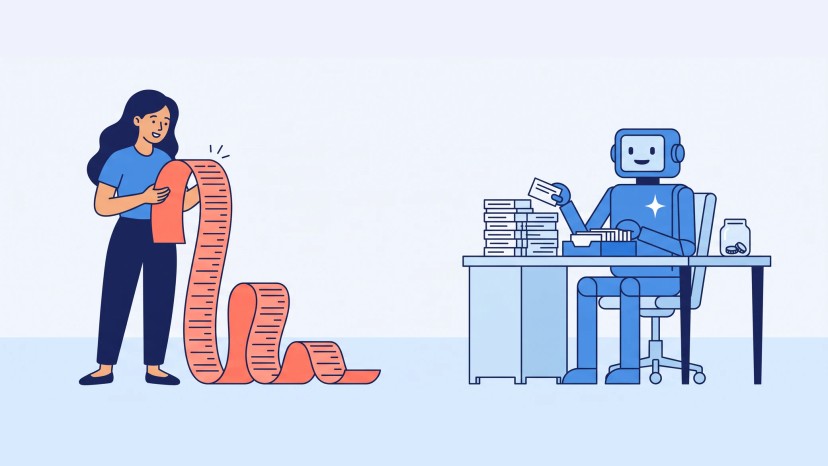
Hermes Agent is an open-source agent (MIT license) published by Nous Research. You install it, connect a model, and talk to it in a terminal or through a messenger. What makes it an agent is what it does between your messages: it runs commands, reads and writes files, browses the web, keeps a memory of you and of its work, writes skills for tasks it repeats and runs jobs on a schedule.
Everything it learns lives in one folder, ~/.hermes: the persona file SOUL.md, the memory files, the skills, the configuration and a database of every session. The code sits next to it in ~/.hermes/hermes-agent.
Our rule for when it is worth having: one-off writing, translating or answering is the job of the AI assistant you already use. Hermes earns its place where an assistant cannot follow: scheduled work while you sleep, its own channels and their replies, long jobs on a server. For the general idea of an agent, see What Are AI Agents?.
Laptop, VPS or Docker: where to run Hermes Agent
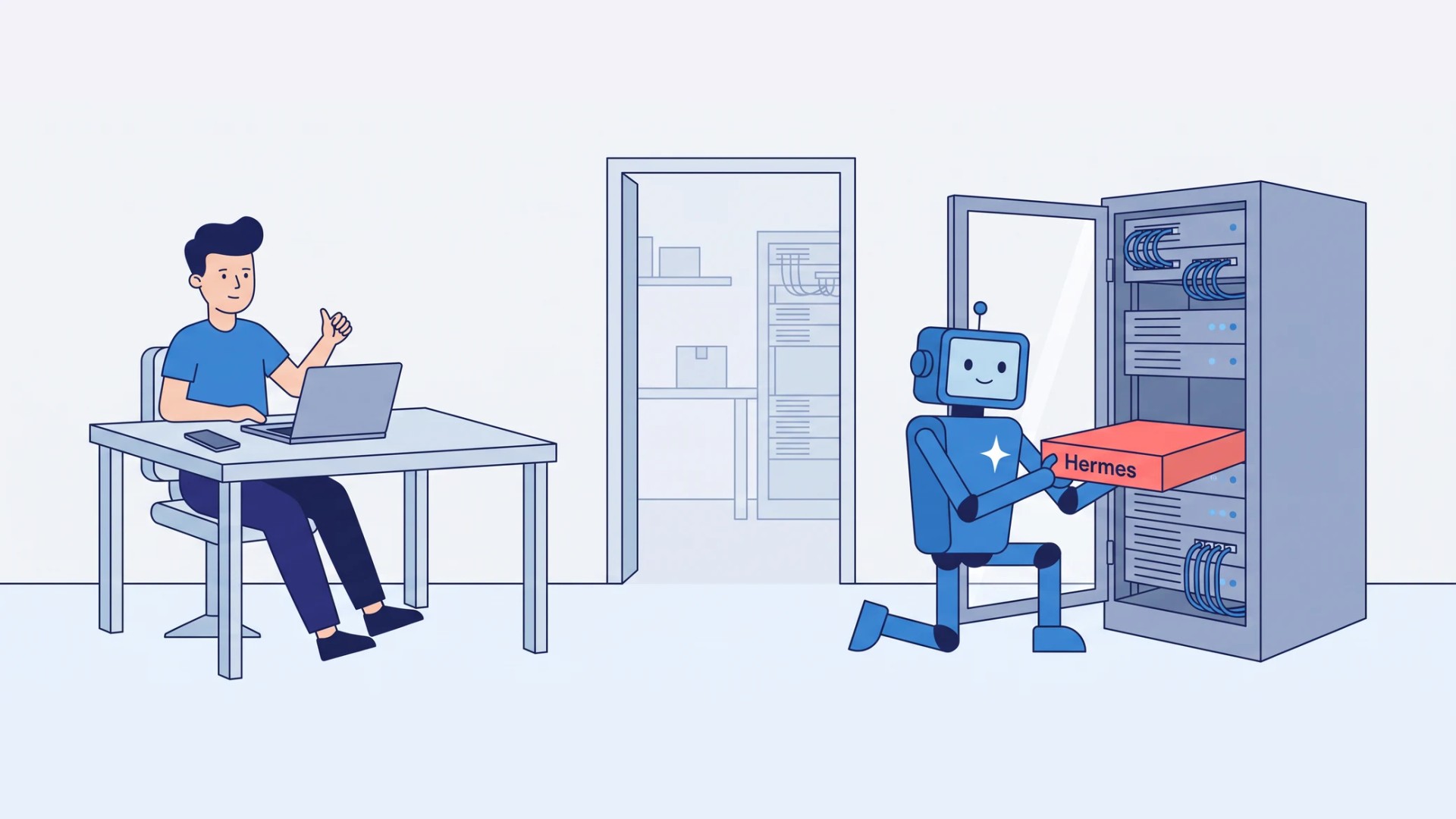
Hermes installs three ways: a desktop app for Windows and macOS, a source install by script on Linux, macOS or WSL2, and a Docker image. The more important choice is the machine. An agent that works on a schedule needs a computer that stays on and is reachable from your phone.
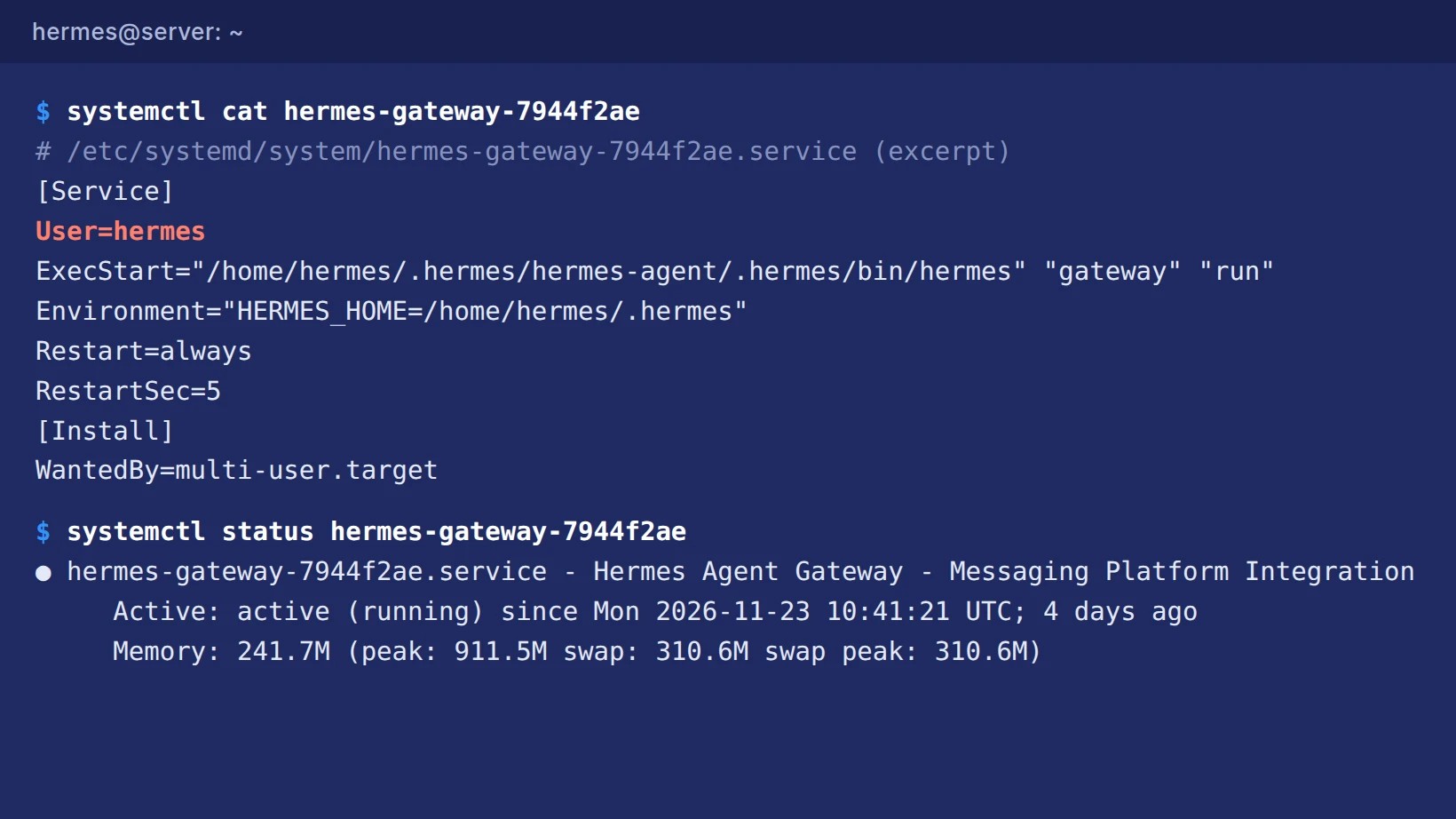
Our first install, on a Windows laptop in June 2026, never ran a single session. In November we moved it to a small cloud server: 2 virtual CPUs, 3.8 GB of memory, a 38 GB disk, Ubuntu 24.04, for $8.89 a month. With Telegram and WhatsApp connected the gateway now holds 242 MB of memory, with a peak of 912 MB.
| Where | Good for | Watch out for |
|---|---|---|
| Desktop app on your laptop | Trying Hermes, work at your desk | It stops when the laptop sleeps |
| Source install on a VPS | An always-on agent you reach from your phone | You run the server: updates, firewall, backups |
| Docker image | Most servers: read-only code, a supervised gateway, upgrades by image | Anything the agent adds outside its data folder needs a new image |
Docker or a native install: which to choose
Docker meets Hermes in two different ways. You can run the whole agent in the official image, or run Hermes natively and send only the commands it executes into a Docker sandbox (terminal.backend: docker). Both are documented, and for most readers one of them is the right default.
The official image keeps the installed code read-only to the agent: it improves its skills, memory and configuration in the data folder but cannot edit itself. The gateway inside is supervised and restarted after a crash, and an upgrade is a pull of a new image. The Docker terminal backend runs every command with Linux capabilities cut to a few, no privilege escalation and a process limit, and your API keys stay outside the sandbox unless you forward them. That matters because an agent that reads web pages, email or other people's messages can meet text written to steer it. The official deployment checklist recommends the container backend for production gateways.
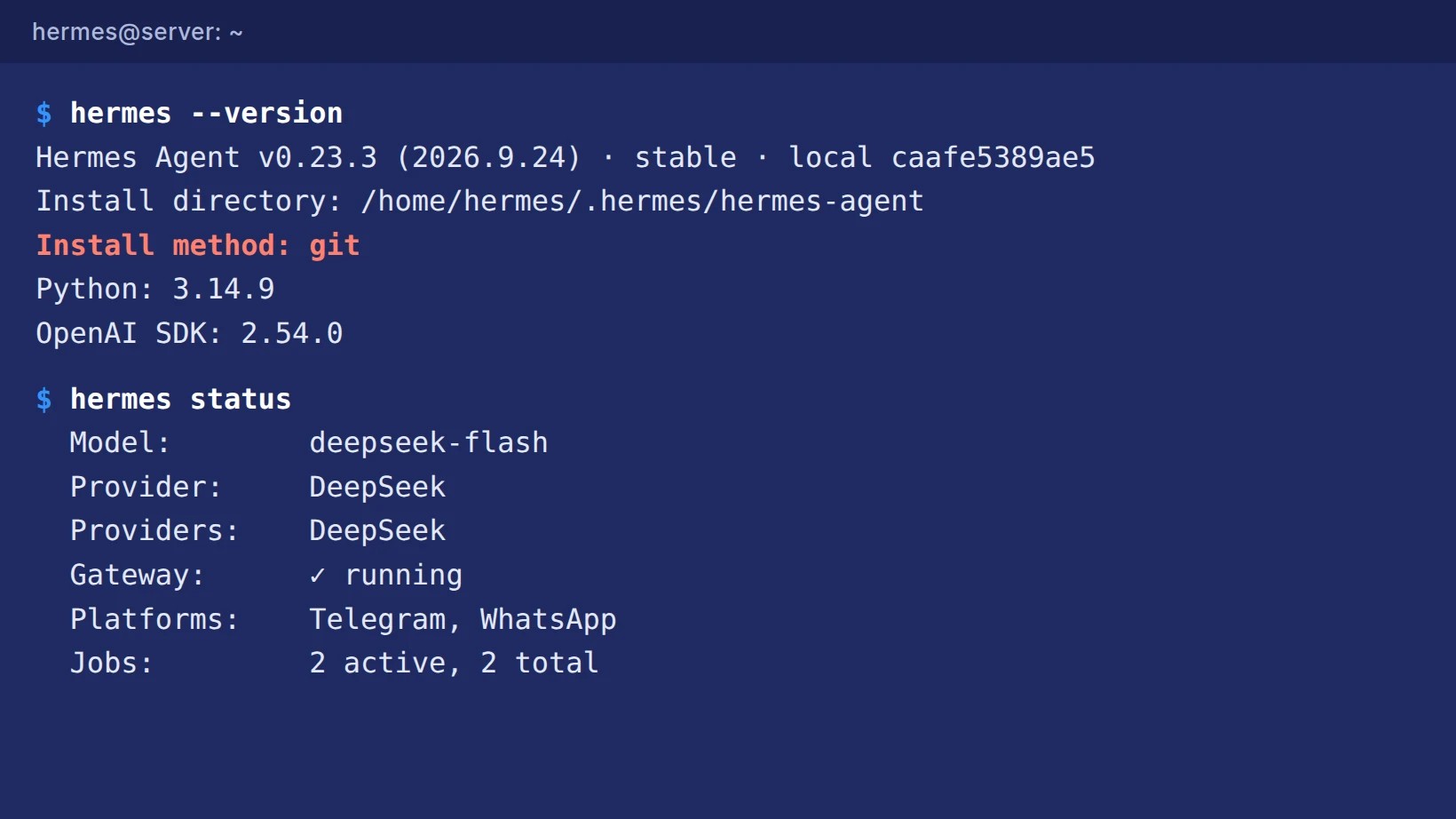
We chose a native install anyway, for a reason specific to our agent: its job includes working on the host. In its first week the agent and we built helper scripts, a browser session and a few small services next to it, each a plain file or a systemd unit owned by the agent's user. With the official image each of them would need a new image build or a container of its own. The source installer is self-contained (its own pinned Python, Node.js, FFmpeg and Chromium), and Hermes ships a boot-time system service for this setup.
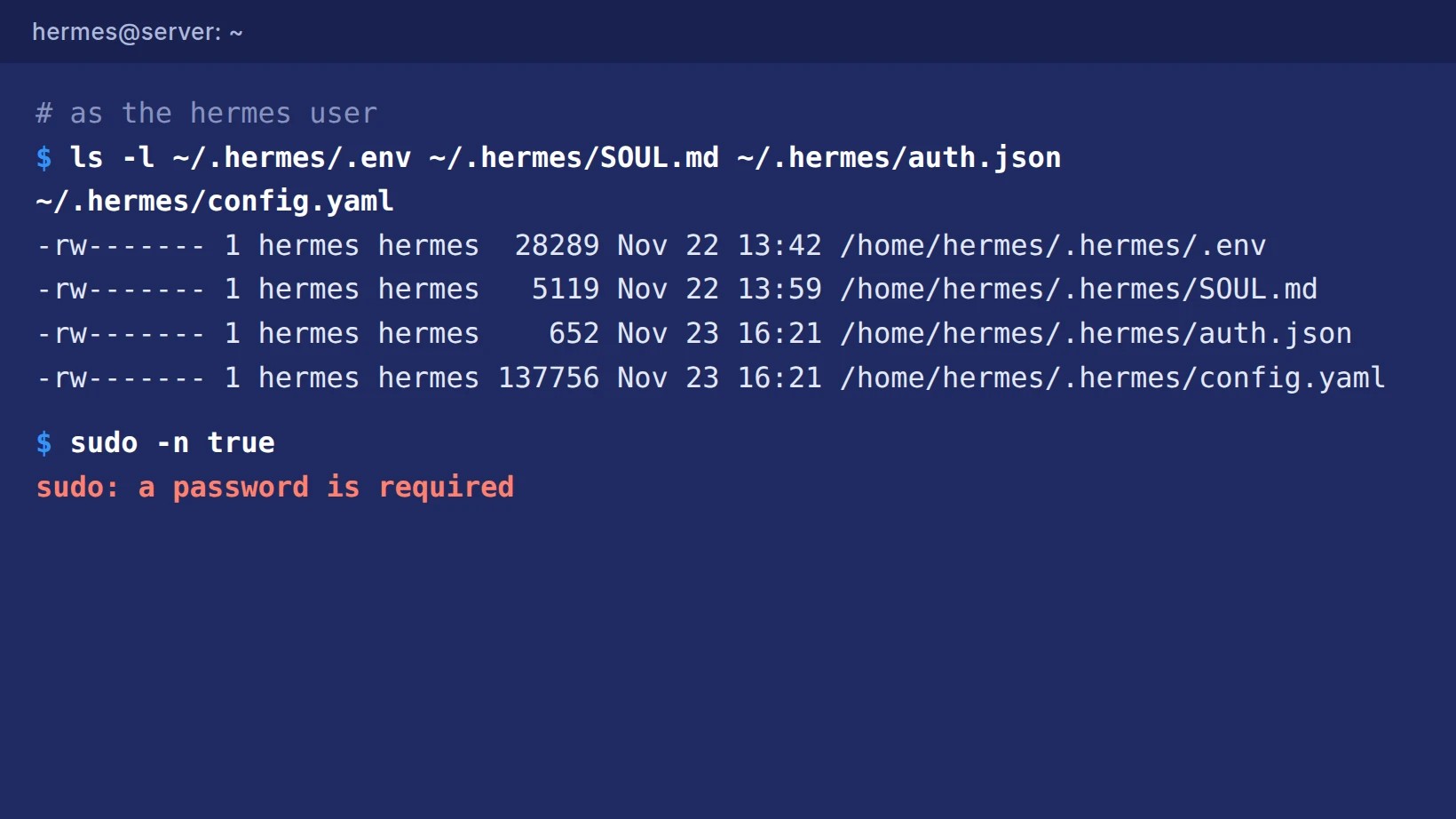
That choice has a price. Commands run directly on the server as the agent's user, and that user can read its own keys. We offset it with a separate user without sudo, home folders closed to it (the server also hosts our own work, and the agent gets "Permission denied" there), smart approvals, backups out of its reach and SSH as the only open port.
| Your case | Start with |
|---|---|
| A bot other people can talk to, or a company deployment | The official Docker image |
| A personal agent that reads the web and email but does not change the server | A native install with the Docker terminal backend |
| A personal agent whose job is to build and run things on the server | A native install under its own user, as here |
The steps below are for the native install. For the Docker route, give your assistant the official Docker page: it creates a data folder, runs the setup wizard in the container and starts the gateway with a restart policy.
What you need before you start
- A Linux server with SSH key access. Ours started at 2 virtual CPUs, 3.8 GB of memory and a 38 GB disk.
- A model API key from the provider's own platform, with a small prepaid balance. We use DeepSeek and topped up $5.
- A Telegram bot token from BotFather, Telegram's bot for creating bots.
- An AI assistant that can work in a terminal, such as Claude Code or Codex. A chat assistant in the browser works too: it writes the commands and you paste them.
- Yourself for the steps no assistant should take: creating accounts, paying, creating the bot, approving the pairing code, typing passwords and one-time codes.
How to install Hermes Agent with your AI assistant
We did our install with an AI coding assistant connected to the server over SSH. The assistant typed the commands; the owner made the decisions and did the parts that need a person. This is the brief we would give it today:
- Harden the server. Password login off, keys only, a firewall that lets in SSH and nothing else, fail2ban against password guessing, unattended security upgrades and a 2 GB swap file on a small machine.
- Create the agent's own user. Call it
hermes, give it no sudo and keep its files readable only by itself. - Install Hermes as that user with the official script:
curl -fsSL https://hermes-agent.nousresearch.com/install.sh | bash. It clones the source and installs its pinned tools into the Hermes folder. - Connect the model. Put the key into
~/.hermes/.env(permissions 600) and pick the provider withhermes model. Choose the provider's own profile. When we pointed Hermes at DeepSeek as a generic custom endpoint, the thinking switch was never sent and the first answer came back two tokens long. - Connect Telegram with DM pairing. Run
hermes gateway setup, then message your bot. It replies with an 8-character code, andhermes pairing approve telegram <code>lets you in. Anyone else who writes gets a code and nothing more. - Install the gateway as a system service:
sudo hermes gateway install --system. The unit runs ashermes, restarts after a crash and starts at boot. - Check the result with
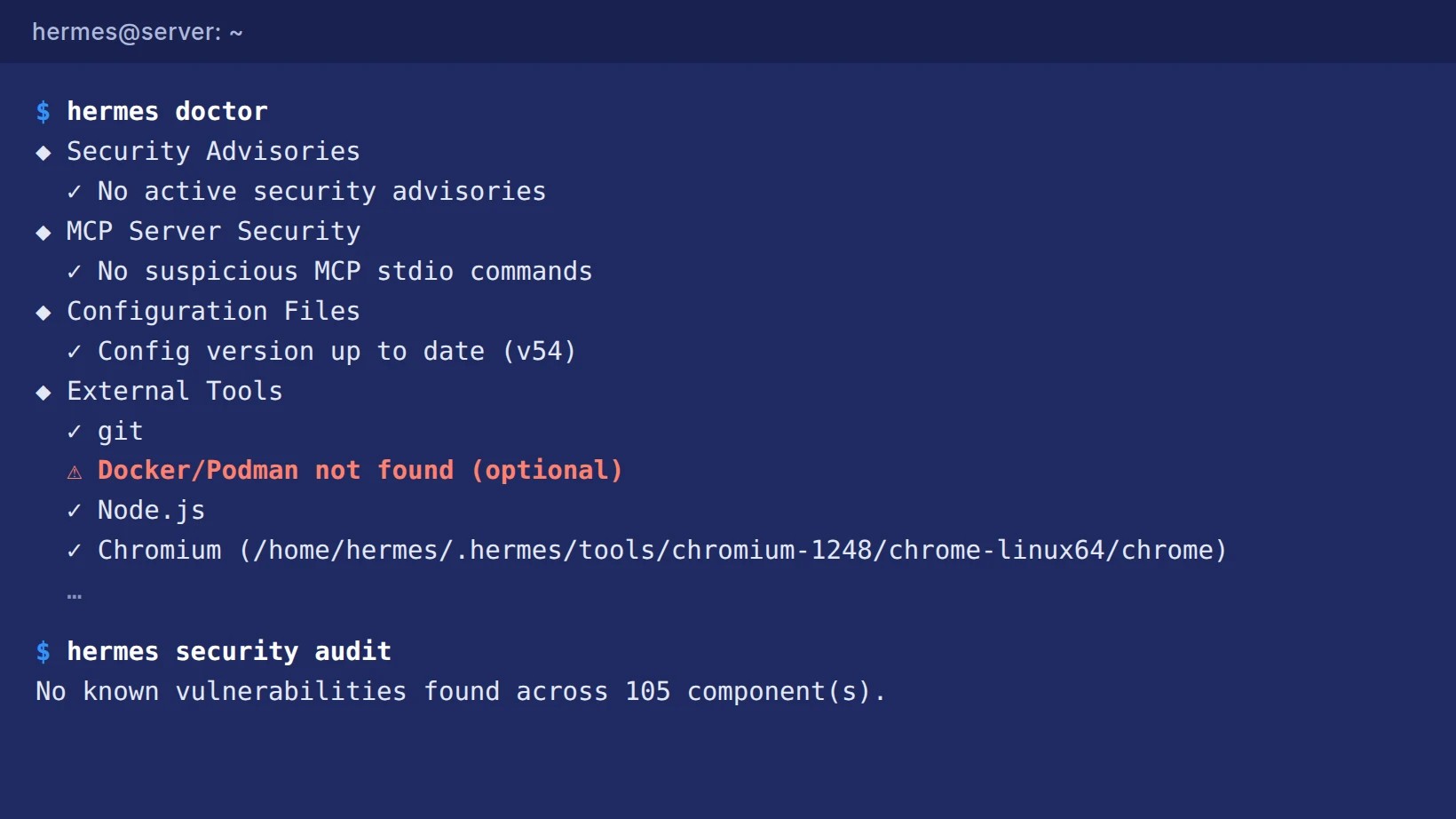
hermes doctor,hermes security auditandhermes status. - Set up backups and history (next section but one) before the agent learns anything worth keeping.
Hermes Agent security settings that matter on a server
Several defaults already protect you. Risky shell commands go through smart approvals: a second model judges the command, low-risk ones run, dangerous ones are refused and unclear ones ask you. With no answer in 300 seconds the command is denied. A fixed blocklist sits below every override, writes to protected system paths are blocked in every mode, and usage telemetry is off by default.
The official documentation ends with a ten-point checklist for gateways. This is where our server stands:
| Checklist item | Our server |
|---|---|
| Explicit allowlists, never allow-all | DM pairing; allow-all off |
| Container backend | Not used: the agent works on the host (see above); the first item to turn on for a shared bot |
| Resource limits | Not set on the gateway |
| Secrets in .env with tight permissions | Yes, 600, owner hermes |
| DM pairing | Yes |
| Review the command allowlist | One entry |
| A safe working directory | The agent's own folder |
| Never run as root | Own user, no sudo |
| Monitor the logs | Errors go into a weekly report |
| Update regularly | Update checks on; audit clean |
Backups and a history of what the agent learns
An agent that edits its own memory and skills changes its own behavior. Treat those files like code.
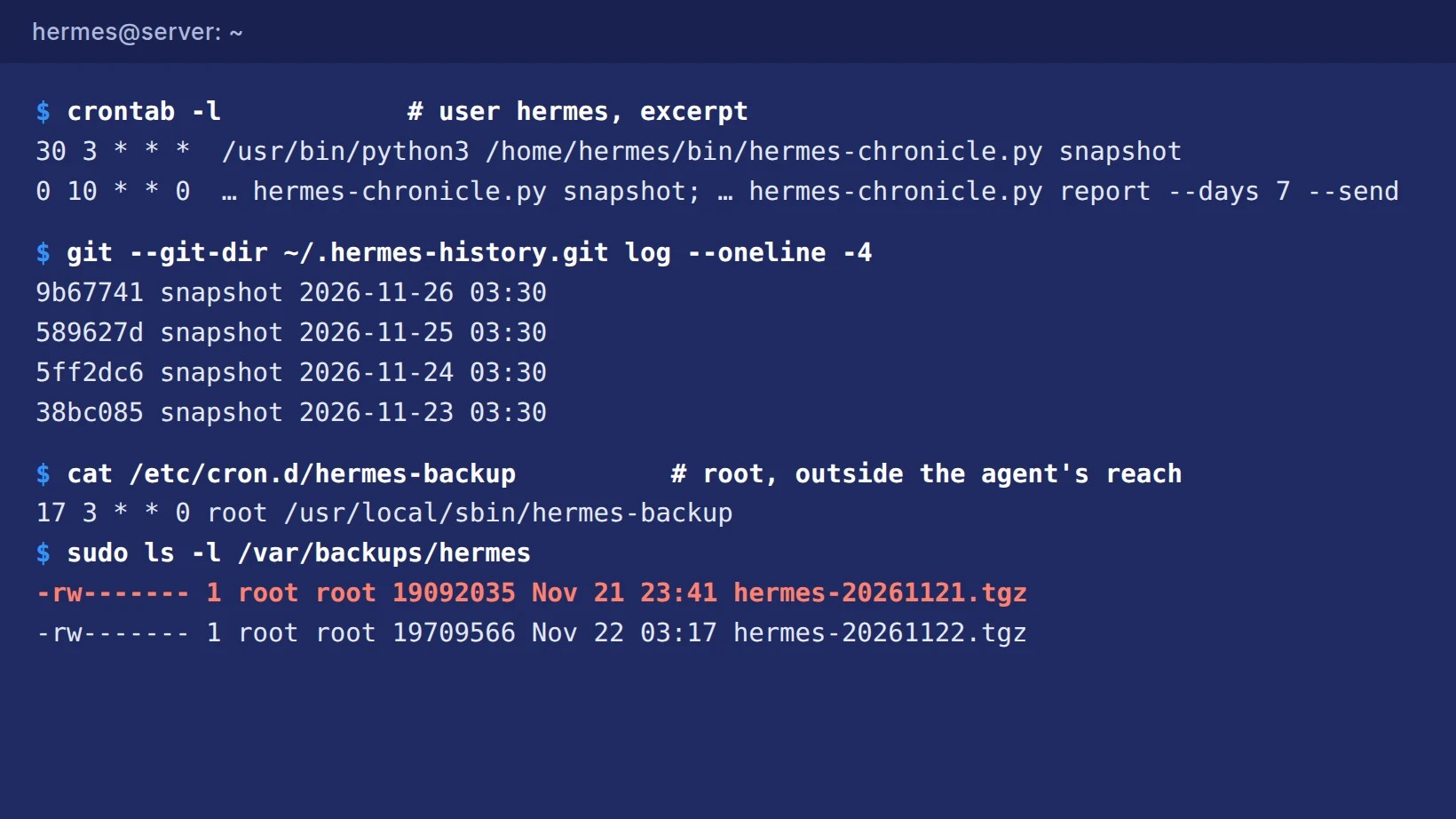
- A weekly backup owned by root. Configuration, keys, persona, memory, skills, plugins, scripts, scheduled jobs and the session database go into one archive. Six copies are kept, readable by root only. The agent can neither read nor delete them. We restored one copy as a drill: every file came back and the database passed its integrity check.
- A daily history in git. At night a small script commits the memory, skills, SOUL.md, configuration and plugins (never the keys or the database). When the agent starts acting differently, the diff shows which instruction changed, and any file can be rolled back.
- A weekly report. On Sundays the same script sends a Telegram summary: sessions, tokens, a cost estimate, changes to memory and skills, log errors and disk space. It is built from git, the database and the logs and costs no tokens.
Settings we changed after the first week
- Context length 128,000. At 64,000 the conversation was compressed at 54,000 tokens, squeezing 39 messages into 25 in the middle of a task, and the agent lost track of its own work.
- Memory limit 12,000 characters. The memory file had reached 94 % of its 6,000-character limit.
- A cap of 90 model turns per task. A runaway task stops instead of burning tokens.
- Reasoning effort high. DeepSeek accepts low, high and max.
- Toolsets are not where the tokens go. Switching off four unused toolsets saved 74 tokens per call.
Three traps cost us time. After you edit SOUL.md, memory or skills, run hermes sessions refresh-prompts, or open chats keep the old instructions. A skill whose front matter has an unquoted colon followed by a space is skipped without a warning. And a hermes chat started by hand brings up its own gateway, which blocks the service until it exits.
Rules the agent works by
The agent behaves well when its written rules are as clear as its permissions.
- Give it a goal and a boundary. Our SOUL.md tells the agent to pursue the goal, to improve its own scripts and report what it changed, and to ask before anything irreversible or anything done in someone's name.
- Put hard limits in the tool. This is how we build production agents too. Our mail script refuses to send without an approval flag, caps recipients at three, logs every message and notifies the owner. A rule in a prompt can be argued with; a refusal in code cannot.
- Teach it how, along with permission. The agent once said it could make images with no image service connected, and another time said "cannot" without trying. Since then its rules say: check the help, the documentation and your own scripts before answering. And every new ability arrives with a note in memory on how to use it.
- Wake the model only when there is work. A scheduled job starts with a script that checks for new items and calls the agent only when it finds some.
- Watch the signals. We read a weekly report of errors, cost and changed instructions, and drift shows up within a week. For the wider practice of supervising agents, see Human on the Loop.
Updating Hermes Agent and rolling back
hermes update follows the stable channel. Before it pulls new code it snapshots the state files: pairing data, scheduled jobs, configuration, keys and logins. After the pull it checks the startup files and rolls the code back if one of them fails. The snapshot restores state, not code, and sessions created after the update are not in it. Our own weekly backup and the git history cover the rest. Run updates when you can watch: a gateway restart interrupts open chats.
How EIC builds and runs AI agents
This server runs our own agent. For clients, we build AI agents on the platforms our clients already use, open-source agents included. Each agent owns a defined piece of work, has its decisions and exceptions written down and is tested on real cases before it runs on its own.
What running our own agent taught us carries into that work: measured settings in place of defaults, hard limits in code, backups out of the agent's reach and a history of every instruction it changed. What the same agent costs per task is in the companion guide, Hermes Agent Cost. For how we define, test and supervise an agent, read the AI Agentic Execution FAQ.